Discover the AI integrations matching your store.
Enter your store’s address. We read its public pages, compare them with similar stores and rank the three LHG workflows that fit best, with the evidence.
- Homepage
- Markets
- Platform
- Klaviyo
- Product feed
- Product pages
- Signup form
- On-model product photosWe saw: Photos per productNew products
- Weekly reorder planWe saw: Sold-out shareRepeat purchases
- Search audit and page briefsWe saw: Blog postsCatalogue size
The storefront on the right is a diagram. The scan reads your real public pages.
Your plan comes first. The build comes after, if you want it.
The scan
Three workflows from the 52 LHG sets up, in the order we would start, each with what we saw on your store. No email, no login, no call.
With LHG
LHG sets up the workflow you pick in the tools your store already uses, on any platform. Your team approves every campaign, change and send.
From the team that builds Shopify stores like these
Published results from projects the LHG team delivered. The AI Fit scan is new, so none of these are its results.
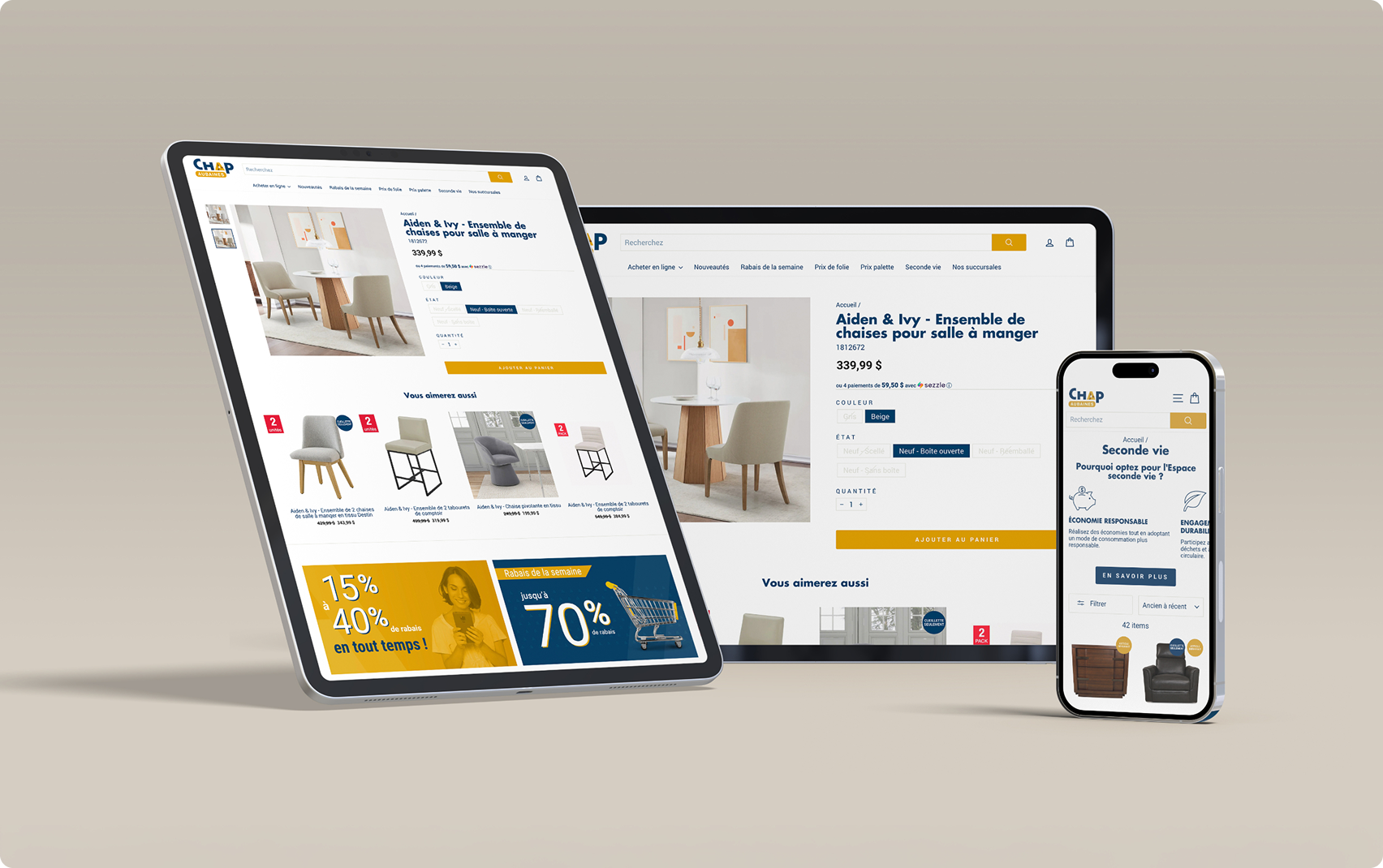 +484%Email Flows RevenueChap Aubaines. Klaviyo flows rebuilt by the LHG team, in less than 3 months.Read the case study
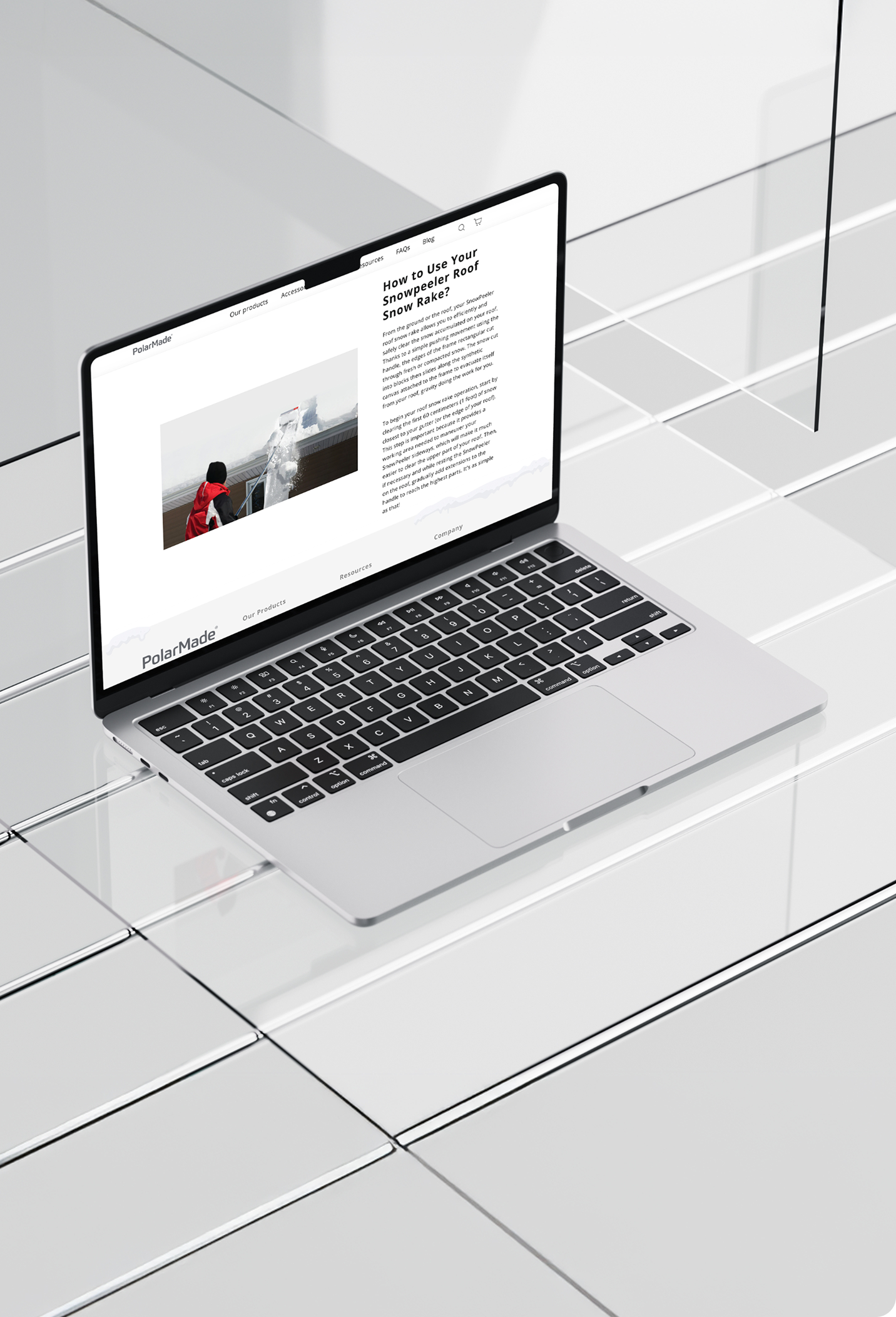 +19%Conversion Rate IncreasePolarMade. Reviews and conversion work with Okendo, results in 60 days.Read the case study
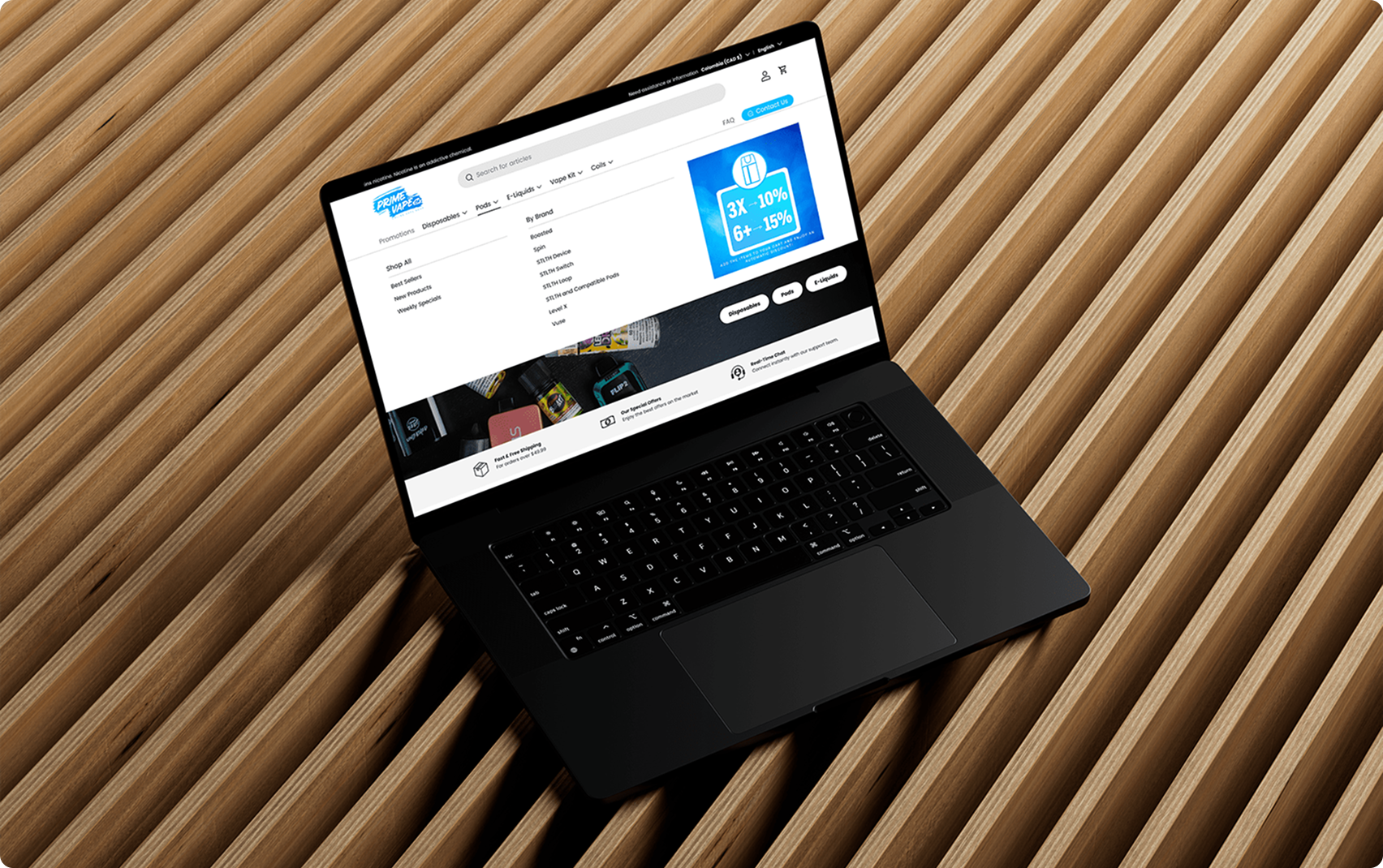 +23%Average Order ValuePrime Vape. A full Shopify revamp shipped ahead of Black Friday.Read the case study
Shopify brands LHG has worked with


Public evidence guides the match.
Your platform and tools decide which workflows can run on your store. Most work on any platform, and a Klaviyo workflow is only suggested when we find Klaviyo on your site. The signals below then rank the ones that can, against similar stores. A need you confirm counts more than any signal.
- Email campaigns
- Automated emails and list care
- Performance reporting
- Collections and merchandising
- Product listings
- Product photos
- Landing pages and site changes
- Search visibility
- Paid ads
- Brand consistency
- Customer insight and questions
- Inventory planning
- Languages and markets
The scan checks up to two product pages. It does not measure conversion rates, search rankings or revenue. Those need your data and a deeper review.
Scan my storeWhat the check can and can’t see
Reads
- Your homepage’s HTML
- Your public product feed
- Titles, product markup and descriptions from up to two product pages
- Signup forms and Klaviyo scripts on the page
- Language and market links
Doesn’t see
- Sales, orders or revenue
- How your email flows perform
- Anything behind a login
- Content your site loads with JavaScript
Questions
Not to see your plan. To open the full workflow library, you leave your name, email and phone number on the plan. All three are required for library access.
Only this browser tab. There’s no public link. Access ends after 7 days, when you close the tab, or when you remove it.
Each match is labelled Strong, Good or Worth exploring from how your store compares with similar stores. Your answers come first: a need you confirm moves its workflows up. Each match lists what to confirm before setting it up.
Scan your store.
One address. Three workflows that fit, with the evidence behind them.